C/Place: Collaborative Pixel-Art Board
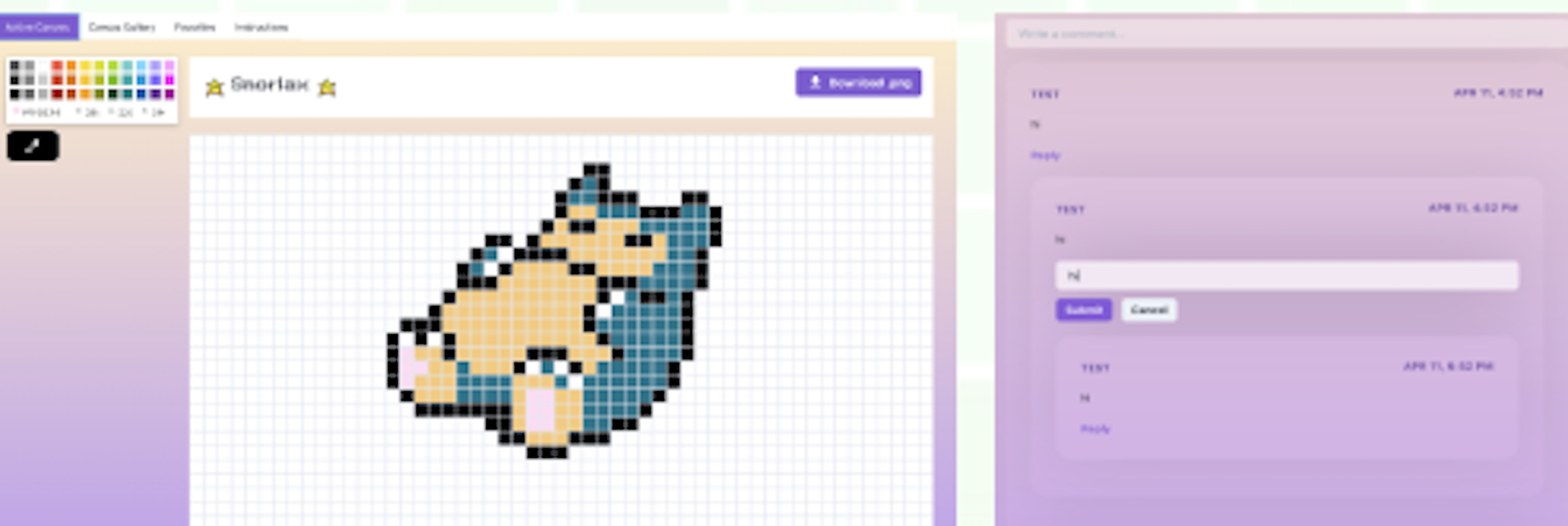
TypeScriptReact.jsSocket.IOChakra UIREST APIOur project idea, inspired by the collaborative project r/place on Reddit, was to implement an interactable area that allowed users to work together to incrementally contribute to a large digital canvas. The driving idea behind r/place is that “Individually, you can create something, but together, you can create something more,” and our own feature is driven by this core idea. We consider this a way to introduce a more permanent marker of progress in an application that focuses primarily on temporarily interactable areas. Using a grid system where a tile represents one “pixel”, a player can choose to change the color of one square at a time using a color picker. Players can paint over any pixel but are restricted to painting only one per allotted amount of time, to help keep contributions more balanced. This type of interaction introduces a more asynchronous activity that allows users to gradually contribute to a town over time, encouraging them to return to a town to continue their masterpiece and see what others have added to it. Additionally, users can interact through the comments section, and download the artwork as a jpg or mp4 to share with friends. After a certain amount of time has passed, the canvas is wiped to allow a new creation to be made, making space for new forms of expression. Past canvases are stored on an art wall for users to view and rewatch the creation process.
Links
Major Features
Canvas
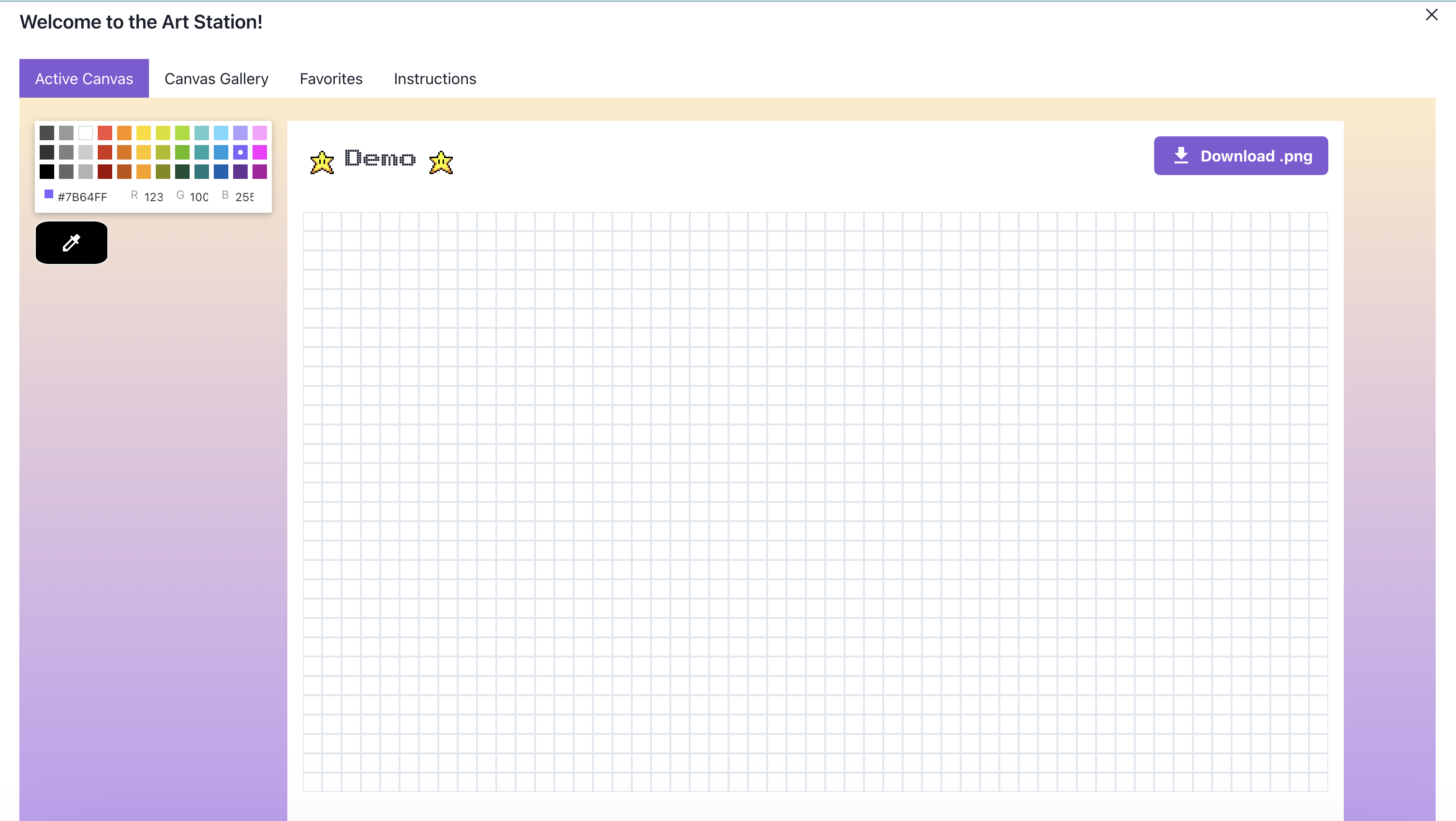
The canvas is a 53x30 grid that any user can draw on. It features a number of colors users can pick from, as well as a react-eyedrop component that can be used to select a color currently on the grid. At any point, users can download a picture of the canvas as a .jpg file
Comment Section
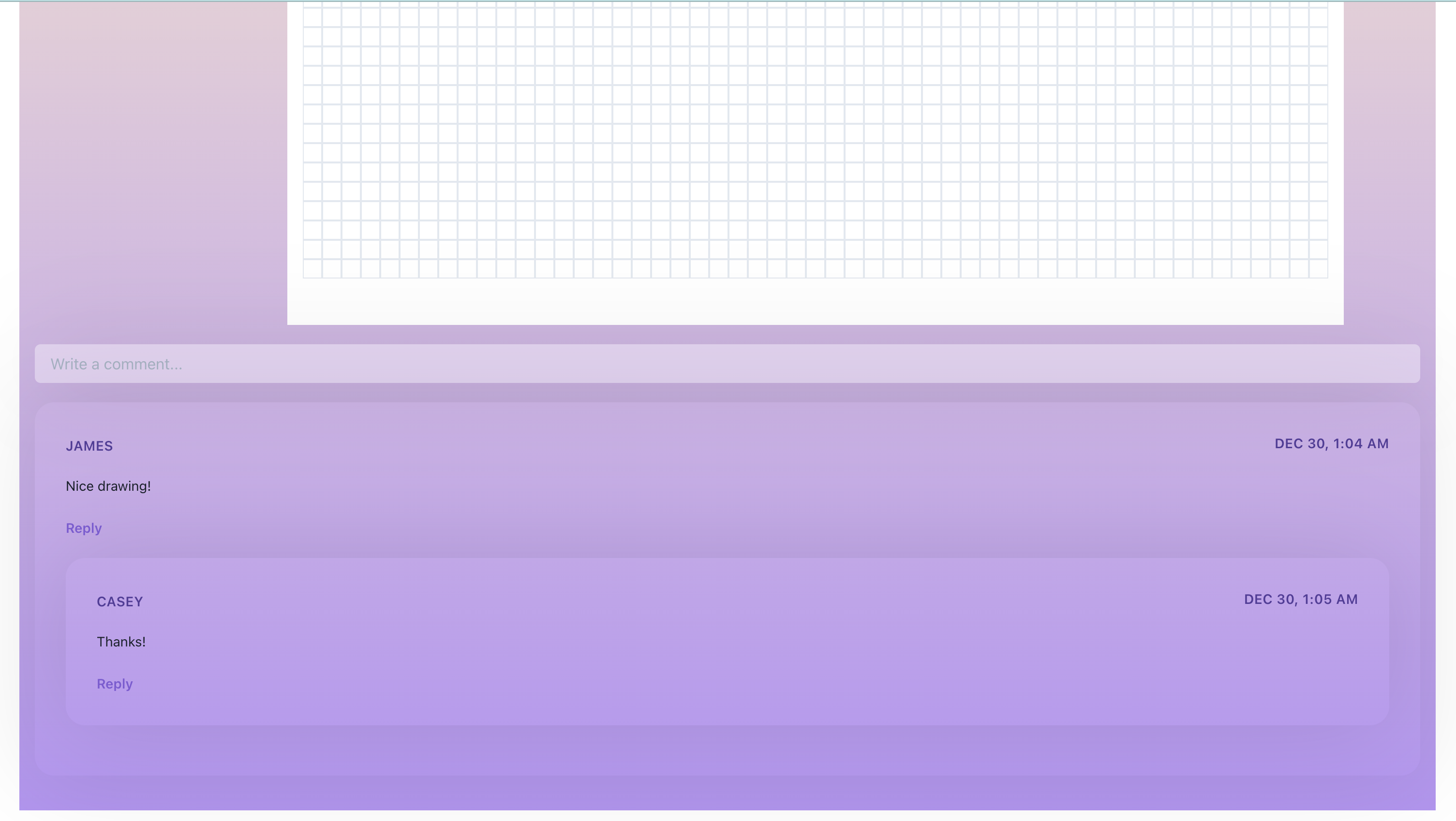
Underneath the canvas, users can comment on the artwork. Each comment will show the author, as well as the time it was created. Users can also reply directly to previously written comments.
Gallery
Once a canvas is closed, it is moved to the art gallery. Here, users can view any past canvases. They can download drawings as .jpg files, as well as watch the creation process as a timelapse video.